Start with your data.
Start a new workspace, open your FCS or LMD files, or return to a saved experiment. Try a public example to explore the workflow.

Open your experiment. Find the populations that matter. Turn your gating strategy into plots and statistics you can take onwards.
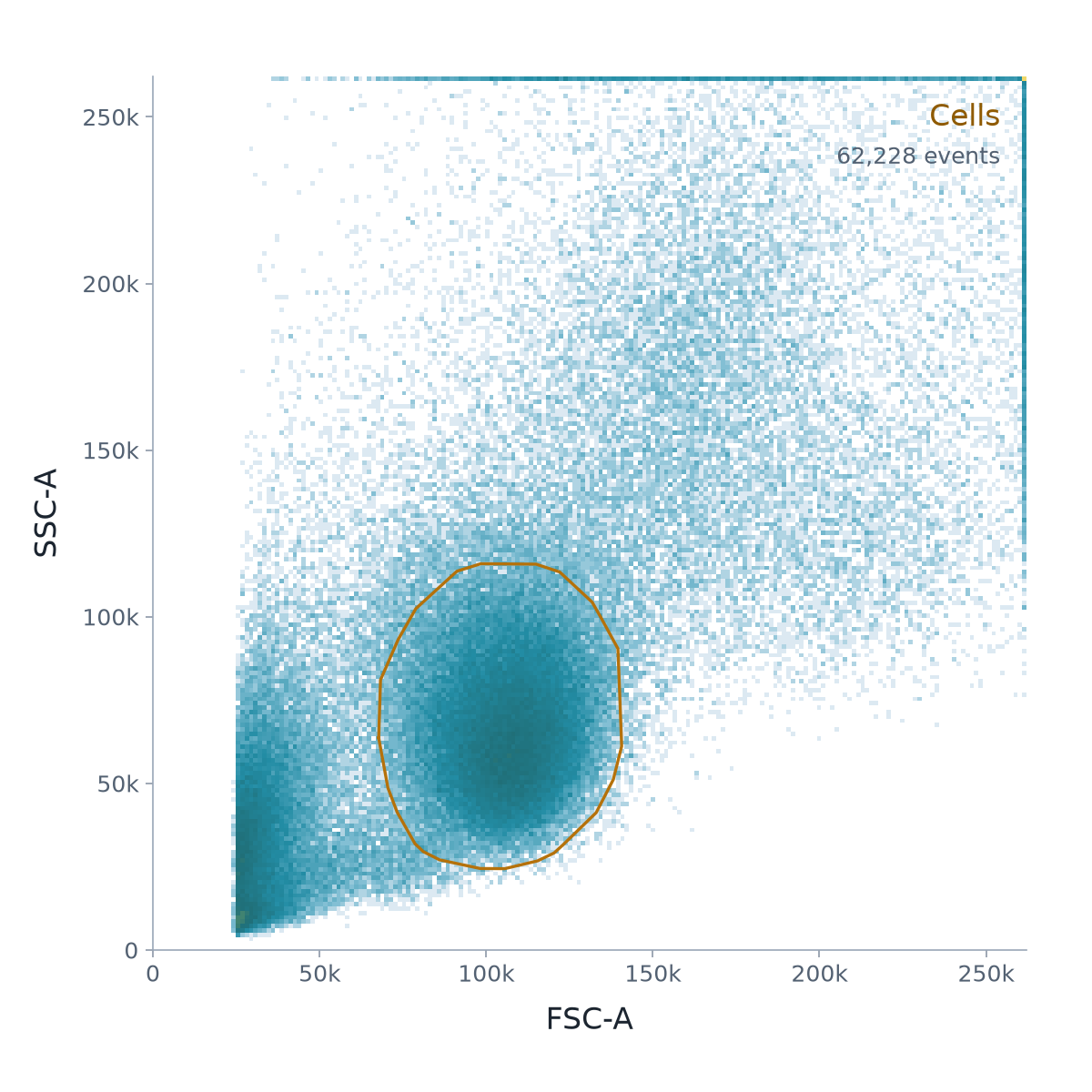
Keep your samples, populations and plots together. Work from the raw events to the result, with the gating decisions visible along the way.
Start a new workspace, open your FCS or LMD files, or return to a saved experiment. Try a public example to explore the workflow.
Check compensation, exclude debris and doublets, then follow your populations through the gate tree. Compare samples and inspect any import differences.
Export population statistics for Excel and Prism, and plots for your figures. Save an editable workspace to return to your analysis.
Core FCS processing runs in your browser. Loading an experiment doesn’t require sending the FCS files to a server. AI and external connections are optional, with their own settings and data choices.
Gatecraft is a research beta. Inspect imported gates and review your analysis before using the results.
Read how Gatecraft handles dataStart with your own files or explore a public example.